
Overview
The exact charger model may vary, but your device should closely resemble the one pictured below: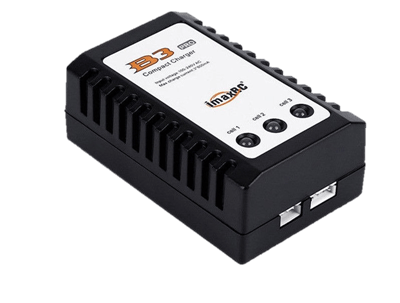
Charging Steps
Follow these steps to ensure a safe and efficient charge:- Power On: Locate the power adapter and plug the charger into the mains. All three LEDs should light up red.
- Safety Prep: Place the battery inside the LiPo-safe bag, ensuring only the leads protrude from the opening.
- Connect: Identify the four-pin lead on the battery.
- Plug In: Connect the battery lead to the four-pin connector on the charger. Note: These connectors are keyed; do not force the connection.